How I Structure Every Next.js Project From Day One
The folder structure you start with tends to be the one you live with for the whole project. Here is the exact setup I use with the App Router and why each decision makes sense.
Jacob Almogela
Full Stack Developer
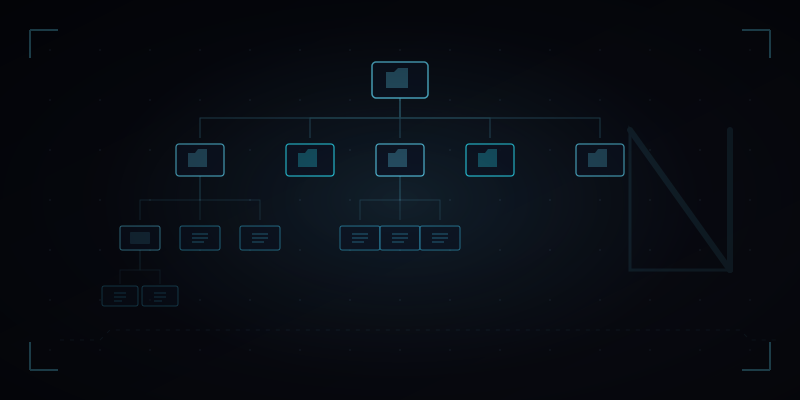
The folder structure you start with on day one tends to be the one you live with for the entire project. Getting it right early saves a lot of painful reorganization later. After building several Next.js apps with the App Router, here is the structure I default to and why each decision makes sense.
The Top Level Layout
I keep the top level as flat as possible. The app directory holds all routes. Everything else lives in clearly named folders at the root. The goal is that you can look at the root folder and immediately understand what the project contains without opening anything.
Inside the App Directory
I mirror the URL structure inside the app folder. Each route segment gets its own folder with a page.tsx. Shared layouts live in layout.tsx. Loading and error states get their own files. The key rule: components only used by one route live inside that route's folder. Components shared across multiple routes go in /components.
The Components Folder
I avoid deep nesting in components. One level of categorization is enough. /components/ui for generic building blocks like buttons and inputs. /components/layout for navigation, footer, and page wrappers. /components/sections for page sections that are reused across routes. If a component file goes over 200 lines, it is probably doing too much and should be split.
Name component files the same as the component they export. Button.tsx exports Button. This makes imports predictable and file search instant.
The Lib Folder
Everything that is not a component or a hook goes in lib. Data fetching functions, API clients, format utilities, validation schemas. I subdivide by domain when the project gets larger: lib/api for external API calls, lib/utils for generic helpers, lib/db for database queries when the project accesses a database directly from the server.
Types and Environment Config
All shared TypeScript types live in /types, one file per domain: types/post.ts, types/product.ts, types/user.ts. I avoid scattering type definitions across component files unless the type is only used in that one component. For environment variables, I create a lib/env.ts file that reads from process.env and throws a clear error on startup if anything is missing. Finding a missing env var at startup is much better than finding it at the point of use in production.
This structure is not the only valid way to organize a Next.js project. It is just the one I reach for because it stays predictable as the project grows, makes onboarding a new developer straightforward, and does not require deep project knowledge before you can find what you are looking for.