Building a React Music Player from Scratch
How I built RockOPM Player, a streaming app that lets users browse and play OPM tracks through a responsive React interface with seamless audio playback.
Jacob Almogela
Full Stack Developer
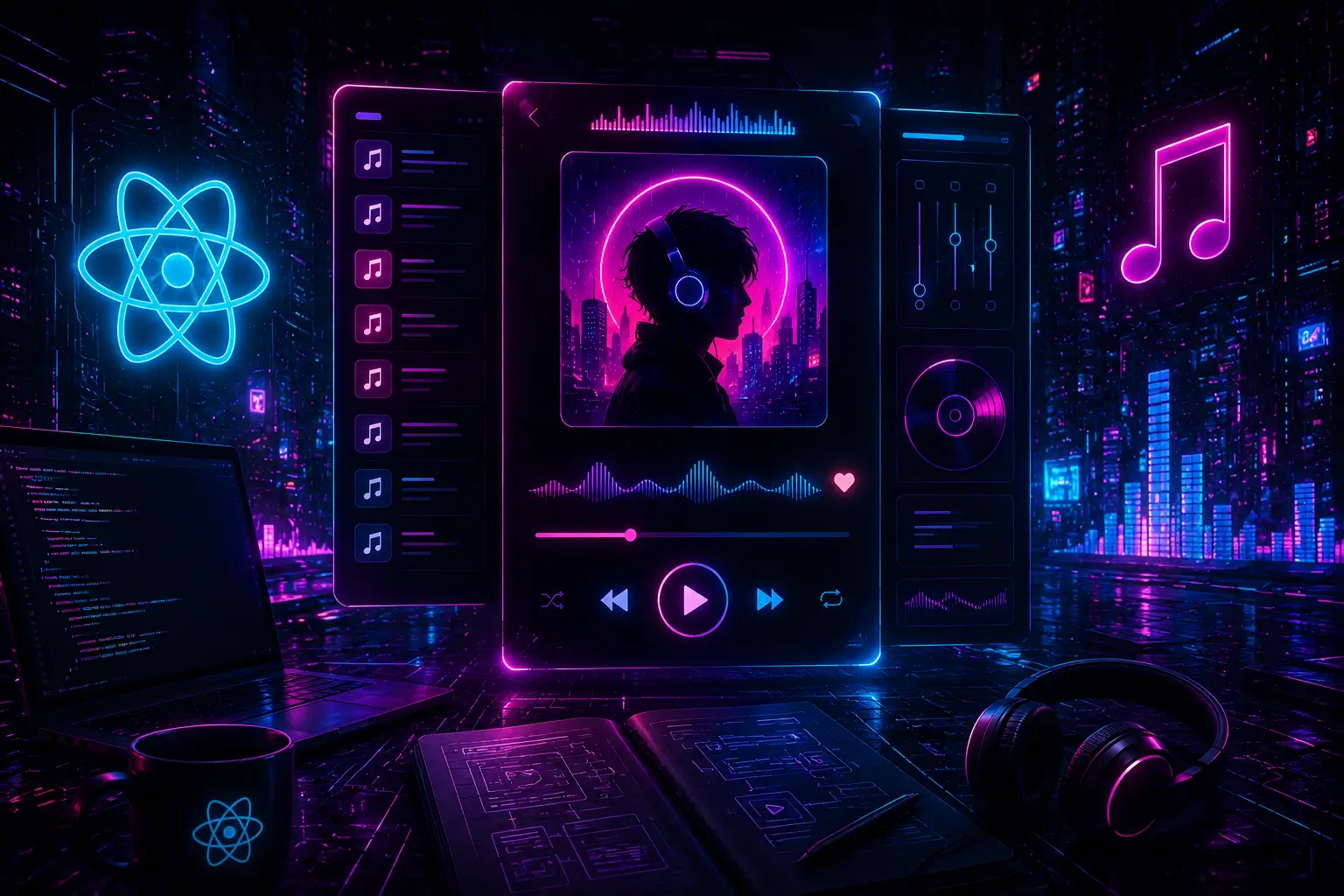
When I built RockOPM Player, I wanted a project that would actually push me. React state management combined with the Web Audio API in one codebase sounded like the right challenge. Music players look simple from the outside. Play, pause, skip. But once you dig in, they surface some of React's trickier patterns around side effects, refs, and derived state.
Setting Up the Audio with useRef
The first instinct is to store the Audio object in useState, but that is the wrong move. Audio is a mutable object that should not trigger re-renders when it changes internally. useRef is the right tool. It gives you a stable reference across renders without causing updates.
Always clean up audio in the useEffect return function. Without it, switching tracks plays two songs at once.
Managing Play State
The isPlaying flag lives in useState. The trick is keeping it in sync with the actual audio element, not just your UI buttons. Audio can pause on its own when there is a network stall or when the track ends, so you need event listeners to stay accurate.
Progress Bar with requestAnimationFrame
Polling audio.currentTime inside a setInterval technically works but feels janky. requestAnimationFrame gives you 60fps updates tied to the browser's paint cycle, which is exactly what you want for a smooth scrubber.
Key Takeaways
- ◆Store mutable DOM objects (Audio, canvas, timers) in useRef, not useState
- ◆Sync your UI state with native browser events, not just button clicks
- ◆Use requestAnimationFrame for smooth, efficient progress tracking
- ◆Always clean up event listeners and animation frames in useEffect returns
The full source for RockOPM Player is on GitHub. It is a solid starting point if you want to build on it. The same patterns apply to podcast players, audio visualizers, or any media-driven React app.