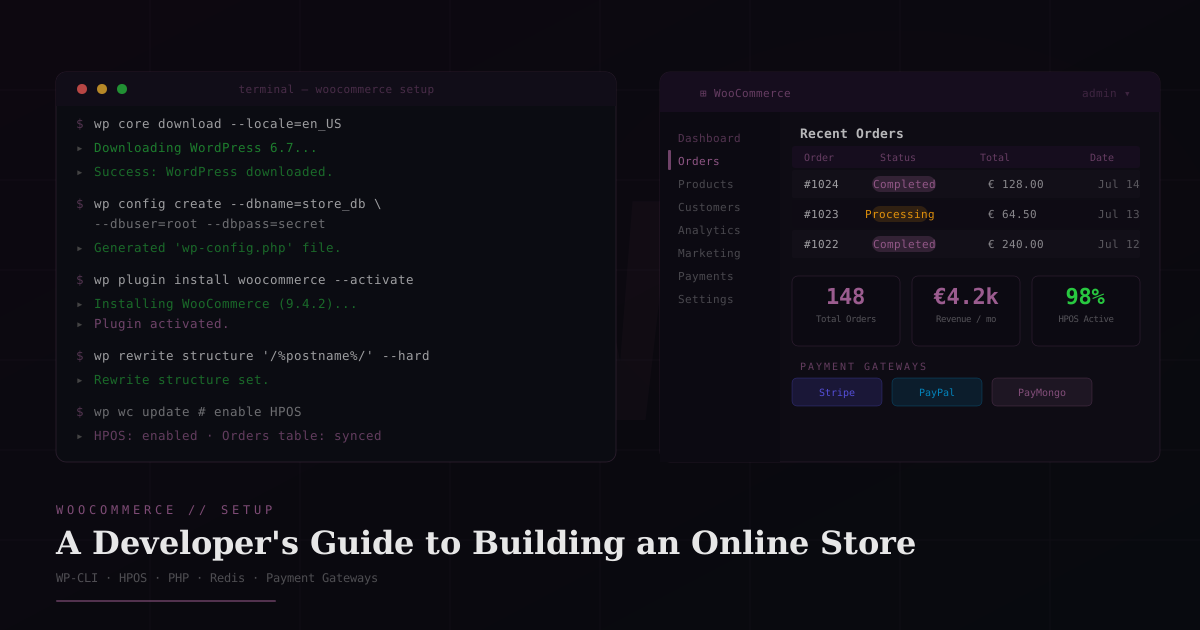
WooCommerce Setup: A Developer's Guide to Building an Online Store
Everything I do when setting up a WooCommerce store from scratch: hosting requirements, PHP configuration, performance tuning, and the developer patterns that save hours on every build.
Jacob Almogela
Full Stack Developer
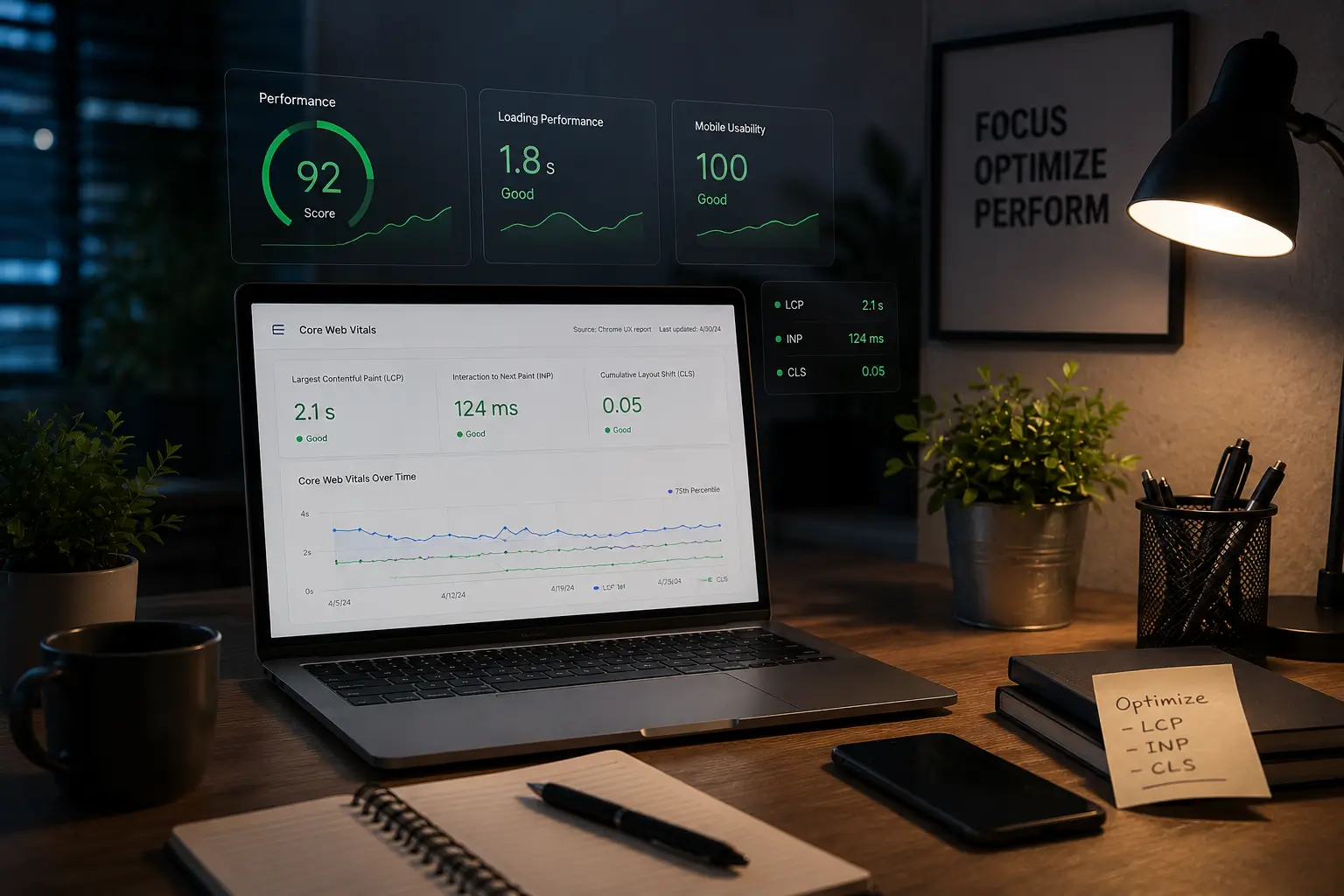
WooCommerce powers around 40% of all online stores, more than Shopify, BigCommerce, and Magento combined. That market share comes with a tradeoff: flexibility and complexity in equal measure. A properly set up WooCommerce store built by a developer is faster, more secure, and easier to maintain than one assembled through a page builder. Here is the setup process I use from scratch.
Hosting and Server Requirements
WooCommerce is a PHP application. The server you pick is the single biggest performance variable. No amount of plugin optimization overcomes a slow host. For production stores, avoid shared hosting. A VPS on DigitalOcean, Vultr, or Hetzner with a properly configured LEMP stack consistently outperforms most managed WooCommerce plans at the same price point.
- ◆PHP 8.2+ — older versions lose security patches and have measurable performance gaps
- ◆MySQL 8.0+ or MariaDB 10.6+ — WooCommerce makes heavy use of HPOS (High-Performance Order Storage)
- ◆256MB PHP memory limit minimum — 512MB recommended for stores with complex products
- ◆HTTPS with a valid SSL certificate — required for payment processing, not optional
- ◆Redis or Memcached for object caching — reduces database queries by 60–80% on high-traffic stores
WordPress and WooCommerce Installation
WP-CLI is the fastest way to set up WordPress on a server. What takes 15 minutes through the browser installer takes 90 seconds in the terminal. Install WordPress first, then WooCommerce as a plugin. Never use the one-click install bundles from hosting panels since they often ship outdated versions.
Always use a child theme with WooCommerce. WooCommerce template overrides live in your theme's /woocommerce/ folder. If you edit the parent theme directly, updates will wipe your changes.
Enable High-Performance Order Storage (HPOS)
WooCommerce 7.1+ ships with HPOS, a custom orders table that replaces the slow WP_Post based order storage. On stores with more than a few hundred orders, the query performance difference is dramatic. Enable it from WooCommerce, then Settings, then Advanced, then Features as soon as the store is set up, before order data accumulates.
Conditionally Load WooCommerce Scripts
WooCommerce enqueues its CSS and JavaScript on every page by default, including the homepage, blog posts, and pages that have nothing to do with the store. On a site with a large non-store section this is dead weight. Restricting WooCommerce assets to store pages is one of the highest ROI performance changes you can make on any WooCommerce build.
wc-cart-fragments makes an AJAX request on every page load to keep the cart count updated. On non-store pages this is pure overhead. Dequeuing it alone can improve TTFB by 200–400ms on shared hosting.
Payment Gateway Setup
WooCommerce ships with direct bank transfer, cheque, and cash on delivery out of the box. For online payments you need a gateway plugin. The choice depends on the store's country and customer base, but a few rules apply everywhere.
- ◆Stripe — best for US, UK, AU, EU stores. Native WooCommerce Stripe plugin is actively maintained
- ◆PayPal Payments — broadest global support, but higher fees than Stripe in most markets
- ◆PayMongo — best option for Philippine-based stores (GCash, Maya, credit cards, OTC)
- ◆Never store card data yourself — always use a tokenized gateway (Stripe, Braintree) that handles PCI compliance
- ◆Enable Stripe Payment Element over the legacy Card Element — it handles 3D Secure and local payment methods automatically
Database Optimization for Production
WooCommerce is database-heavy. Without periodic maintenance, the wp_options table bloats with transients, the action scheduler table fills up with thousands of completed jobs, and queries slow down. Schedule these cleanups via WP-Cron or a server cron.
Developer Checklist Before Launch
- ◆Child theme active with /woocommerce/ folder for template overrides
- ◆HPOS enabled and synced — check WooCommerce → Status → Tools
- ◆WooCommerce scripts dequeued on non-store pages
- ◆Payment gateway tested with real card in test mode — don't trust sandbox results alone
- ◆SSL active, HTTP → HTTPS redirect in place, no mixed-content warnings
- ◆Object caching (Redis) configured and verified via WooCommerce → Status
- ◆Database cleanup scheduled weekly via WP-Cron
- ◆wp_mail() tested — transactional emails (order confirmation, shipping) arrive reliably
- ◆Staging site locked with basic auth — never leave it indexed or publicly accessible
- ◆Backups automated to off-server storage (Updraft Plus to S3 or Google Drive)
WooCommerce rewards developers who understand PHP and the WordPress hook system. Most of the performance gains, custom functionality, and long-term maintainability do not come from plugins. They come from knowing where to hook in, when to dequeue, and how to keep the database clean. A store built this way stays fast at scale and does not need a plugin audit every six months to stay performant.