The Real Shopify Performance Guide: LCP, TBT, and What Actually Matters
Most slow Shopify stores share the same fixable problems: oversized hero images, too many app scripts, and JavaScript loaded at the wrong time. Here is the process I run on every Shopify performance project.
Jacob Almogela
Full Stack Developer
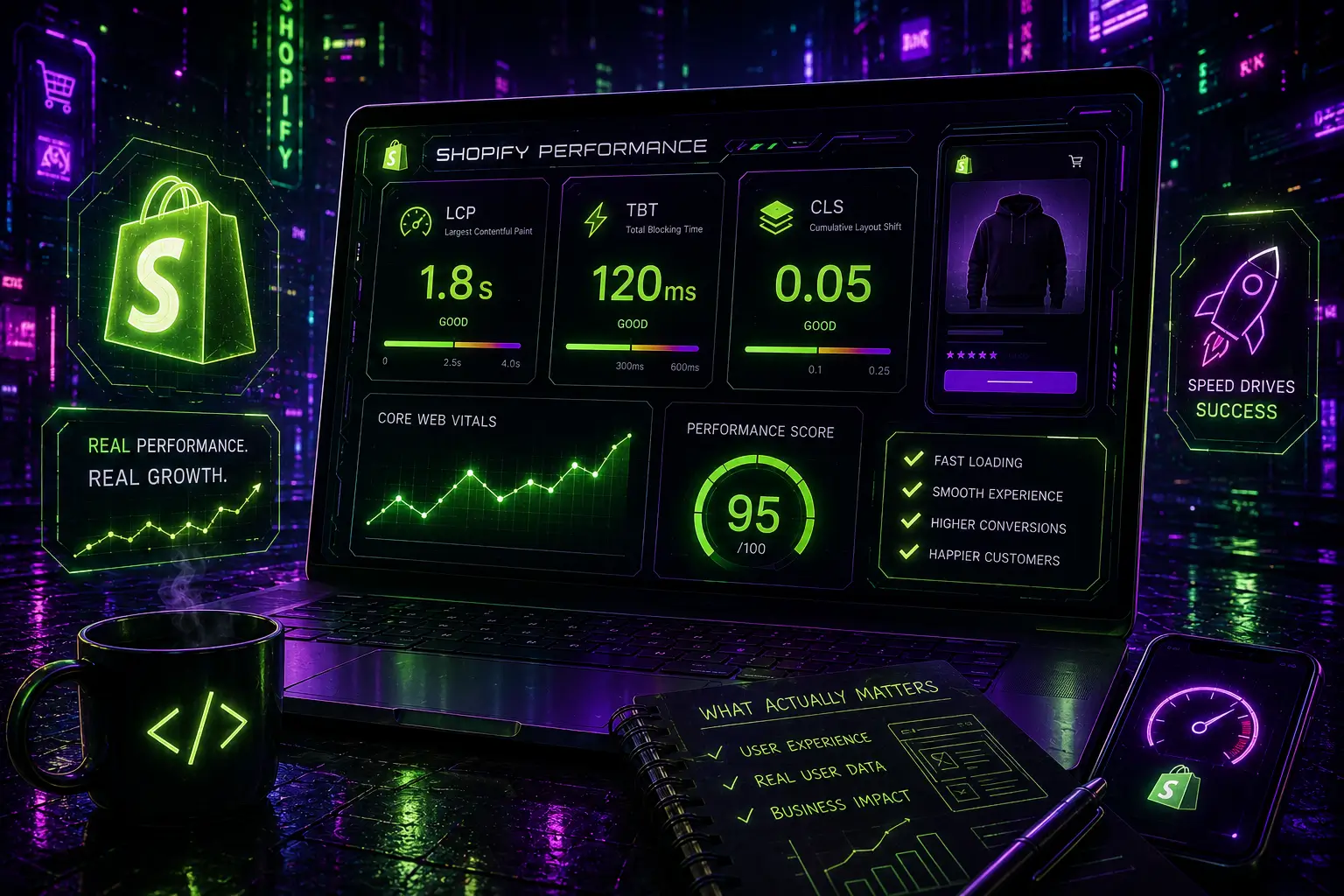
Most slow Shopify stores share the same problems. An oversized hero image killing LCP, too many third-party app scripts blocking interaction, and JavaScript loaded synchronously when it should be deferred. These are not theme problems. They are fixable decisions that compound. Each one has a real cost: slower loads, higher bounce rates, lower conversions. Here is the process I run on every Shopify performance project.
Step 1: Run a Baseline Audit
Before touching anything, run a baseline audit. Open Chrome DevTools Network tab, sort by Size, and find the biggest culprits. Usually it is one or two oversized images and two or three app scripts. Use PageSpeed Insights on mobile as a diagnostic starting point: ignore the overall score, focus on the Opportunities and Diagnostics sections. Then run WebPageTest from your target audience's country to see a real waterfall of what is actually blocking render.
Test a product page, not just the homepage. Product pages carry the most third-party app weight (reviews, upsells, wishlists) and are the pages that actually drive revenue.
Step 2: Fix the Hero Image
The hero image is almost always the Largest Contentful Paint element. Shopify's CDN serves images in WebP automatically when you use the image_url filter, but you still need to tell it the right size and add fetchpriority. This one change alone typically brings LCP from 4 to 6 seconds down to under 2.5 seconds.
Note the difference: img_url is the legacy Shopify filter. image_url is the current one. It accepts a width parameter and Shopify automatically serves WebP to browsers that support it.
Step 3: Lazy Load Everything Below the Fold
Hero images need to load immediately. Everything else, product grid images, collection banners, testimonial photos, should be lazy-loaded. Shopify's Dawn theme already does this on image components but many third-party themes and custom sections do not.
Step 4: Audit and Remove App Bloat
Every Shopify app that shows something on the storefront injects its own JavaScript and CSS. A store with 12 apps commonly loads 800KB to 1.5MB of third-party scripts before a user can even interact with the page. The fastest fix is deletion, not deactivation. Deactivated apps still leave their asset tags in theme.liquid on some platforms.
- ◆Open Network tab → filter by JS → look for scripts from app vendors (review apps, chat, upsell popups)
- ◆Delete any app you haven't actively used in the past 30 days
- ◆For apps you keep, check if they offer 'performance mode' or lazy-load options in their settings
- ◆Replace heavy review apps (Yotpo, Stamped) with Judge.me — it loads under 10KB versus 200KB+
- ◆Move chat widgets to load only after user interaction (scroll or click) using a small JS wrapper
Step 5: Defer Non-Critical JavaScript
Shopify lets you control when scripts load in theme.liquid. Any script that is not needed for above-the-fold rendering should be deferred. The safest approach is moving non-critical scripts to the bottom of the body with defer, and using Shopify's ScriptTag API for app scripts you cannot directly edit.
Step 6: Fix Font Loading
Custom fonts are a common source of CLS and render-blocking. The fix is two lines: preload the font file and set font-display to swap so text renders in a fallback font while the custom font downloads. If the shift from the fallback to the final font is too jarring, use size-adjust on the fallback to match.
Results Checklist
- ◆Hero image uses image_url filter with explicit width, srcset, and fetchpriority='high'
- ◆All below-fold images have loading='lazy' and explicit width/height attributes
- ◆Third-party app count is under 8 — unused apps deleted, not just deactivated
- ◆Analytics and chat scripts load asynchronously or after DOMContentLoaded
- ◆Custom fonts preloaded and using font-display: swap
- ◆Core Web Vitals pass in Google Search Console field data — this is what Google actually uses for ranking, not the lab score
- ◆Core Web Vitals pass: LCP < 2.5s, INP < 200ms, CLS < 0.1
Shopify's infrastructure is already fast. Global CDN, HTTP/3, edge caching. The bottlenecks are almost always in the theme and apps, not the platform itself. A focused 4 to 6 hour optimization session targeting images, app bloat, and script loading is enough to fix the real problems: faster LCP, lower TBT, stable CLS. Use PageSpeed Insights to find the problems, WebPageTest to understand them deeply, and Google Search Console field data to confirm your real users are actually experiencing the improvement.