Table of Contents
Website UX Audit Tips Every Business Should Follow
If you want your website to convert more customers, applying the right website UX audit tips is essential. As a full-stack developer and SEO analyst at JacobAlmogela.com, I help businesses improve their user experience to increase engagement and performance. A simple UX audit can instantly reveal where visitors struggle and what improvements will boost conversions.
Good UX isn’t about design alone—it’s about clarity, speed, accessibility, and how well users can complete actions on your website.
Why Website UX Audit Tips Matter
1. Better User Engagement
Using solid website UX audit tips allows you to identify issues affecting readability, layout, and navigation. When users navigate easily, they stay longer.
2. Higher Conversion Rates
Improving user flow and fixing friction points helps turn visitors into customers—crucial for businesses using WordPress, Shopify, or custom React/Next.js websites.
3. SEO Improvements
Google rewards websites that offer strong usability. Good UX signals can boost rankings and visibility.
Top Website UX Audit Tips You Can Apply Today
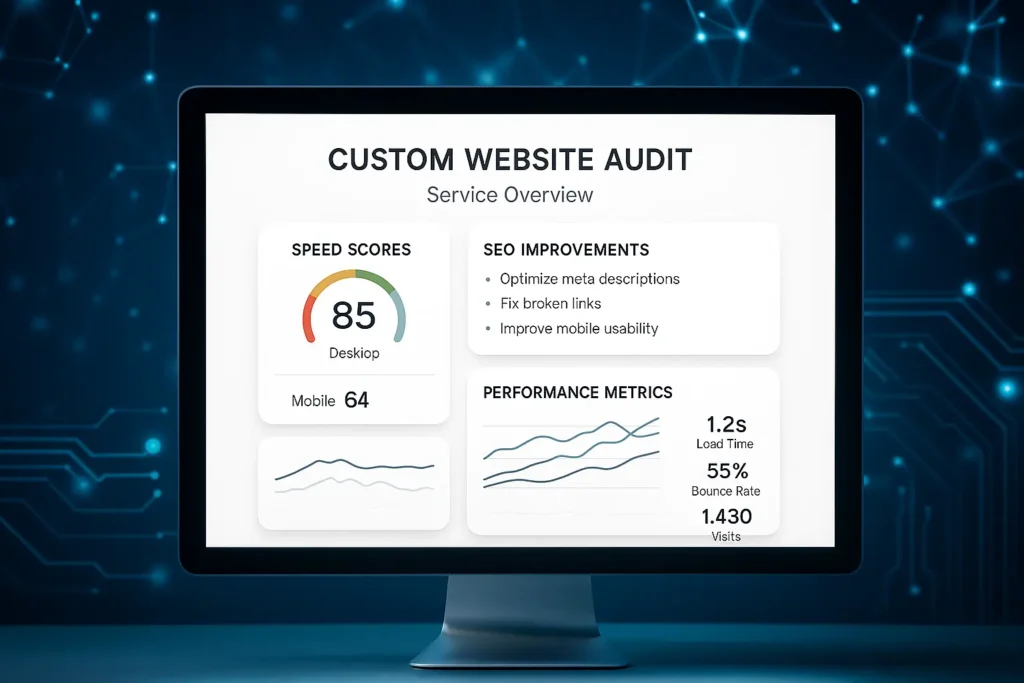
1. Test Page Speed
Slow pages hurt UX instantly. Use speed tools like:
https://pagespeed.web.dev/
2. Check Mobile Responsiveness
Over 60% of traffic is mobile. Ensure buttons, spacing, and layout adapt properly.
3. Improve Navigation Clarity
Users should reach key pages with fewer clicks.
Create a simple menu structure with clear labels.
4. Optimize Above-the-Fold Content
Place your headline, CTA, and main value proposition clearly.
5. Remove Visual Clutter
Too many animations, banners, or pop-ups reduce engagement.
6. Use Consistent Branding
Typography, spacing, and colors must be consistent across pages.
7. Add Strong Calls-to-Action
Your UX must guide users toward a clear next step—book, buy, contact, or sign up.
How I Implement UX Audits for Clients
When working on Shopify, WordPress, React, or Next.js websites, my workflow includes:
- Running UX tests using expert tools
- Inspecting user flow and drop-off points
- Enhancing page layout for readability
- Fixing broken elements and improving spacing
- Optimizing mobile versions
- Upgrading CTA placement
- Redesigning slow or confusing sections
These website UX audit tips ensure every site becomes more user-friendly and conversion-ready.
Want a Professional UX Audit Done for Your Website?
If you need help improving your website’s UX, speed, and conversions, visit JacobAlmogela.com.
I offer full UX audits, redesigns, optimization, and full-stack development services.